
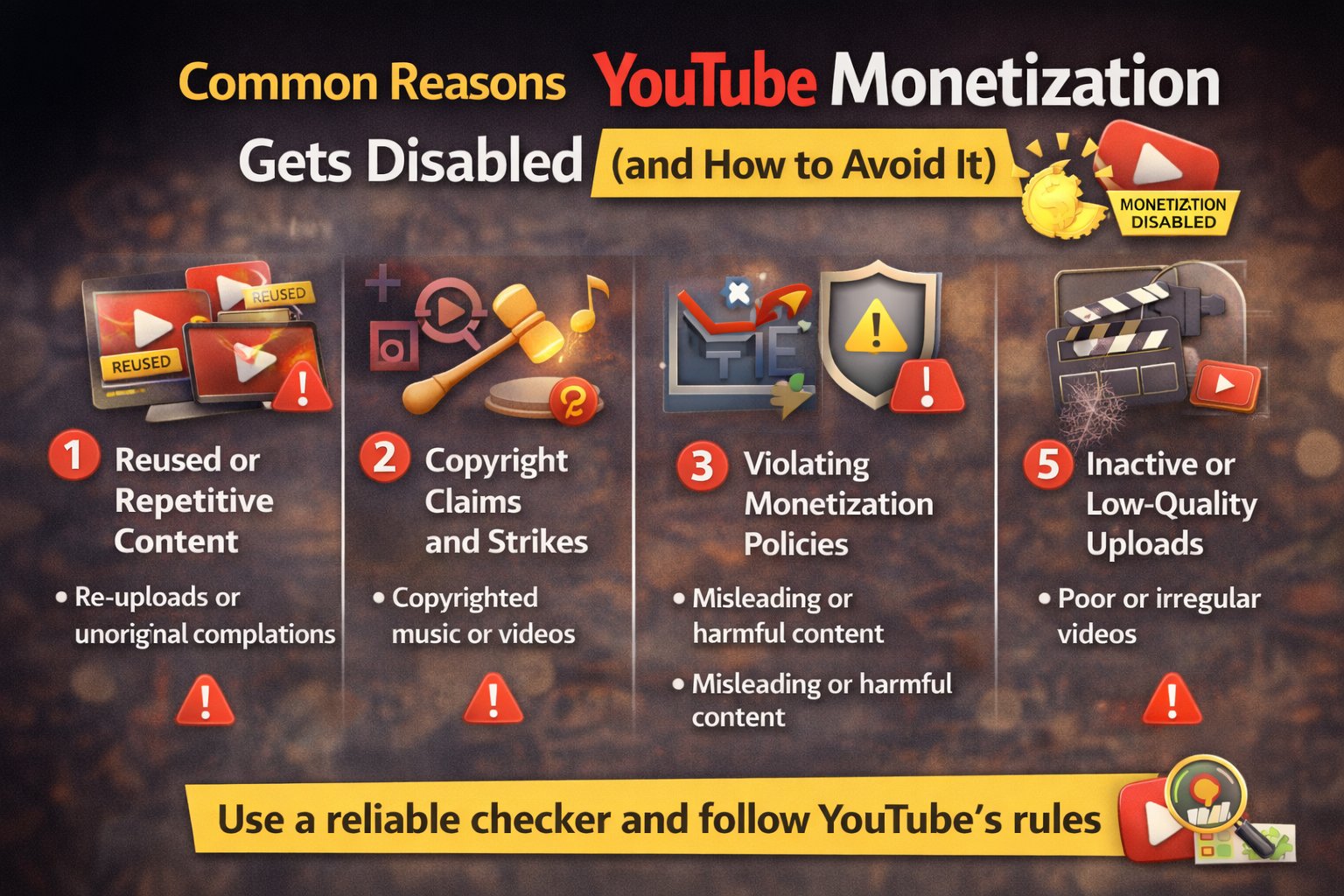
Why Does YouTube Disable Monetization?
Getting monetized on YouTube is a big achievement, but many creators are surprised when their monetization suddenly gets disabled. This can happen even to channels with thousands of subscribers and millions of views.
In this article, we’ll explain the most common reasons YouTube monetization gets disabled, how YouTube reviews channels, and what you can do to avoid losing monetization.
1. Reused or Repetitive Content
One of the most common reasons for monetization removal is reused content.
This includes:
- Re-uploading videos from other creators
- Compilations without meaningful edits
- AI-generated or automated videos with no originality
- Slideshow or stock footage videos with minimal effort
Even if the content is legal, YouTube may still disable monetization if it lacks originality.
2. Copyright Claims and Strikes
Copyright issues are another major factor.
Monetization can be disabled if:
- Your videos contain copyrighted music
- You reuse TV clips, movie scenes, or sports footage
- You receive repeated copyright strikes
In some cases, ads may still appear, but revenue goes to the copyright owner, not the creator.
3. Violating YouTube Monetization Policies
YouTube has strict monetization rules. Monetization can be removed for content involving:
- Misleading information
- Harmful or dangerous activities
- Repetitive spam-like videos
- Low-quality or clickbait content
Even older videos can be reviewed and affect your entire channel.
4. Sudden Changes in Content Direction
Channels that suddenly change topics may also lose monetization.
For example:
- Switching from educational to reused viral clips
- Uploading unrelated low-quality content
- Posting mass-produced videos in a short time
YouTube expects consistency and long-term value.
5. Inactive or Low-Quality Uploads
Channels that stop uploading or publish very low-quality content may be reviewed and removed from the YouTube Partner Program.
Monetization is not permanent—it must be maintained.
How to Check If Monetization Is Still Active
Instead of guessing, use a reliable tool to check monetization status.
How to use it:
- Copy the YouTube channel or video URL
- Paste it into the tool
- Instantly check monetization status
This helps creators identify issues early.
How to Avoid Monetization Removal
To stay monetized:
- Create original, high-value content
- Avoid copyrighted material
- Follow YouTube policies carefully
- Maintain consistent quality and uploads
Final Thoughts
YouTube monetization can be disabled for many reasons, but most are avoidable. Understanding YouTube’s policies and monitoring monetization status regularly can help protect your channel’s income.