
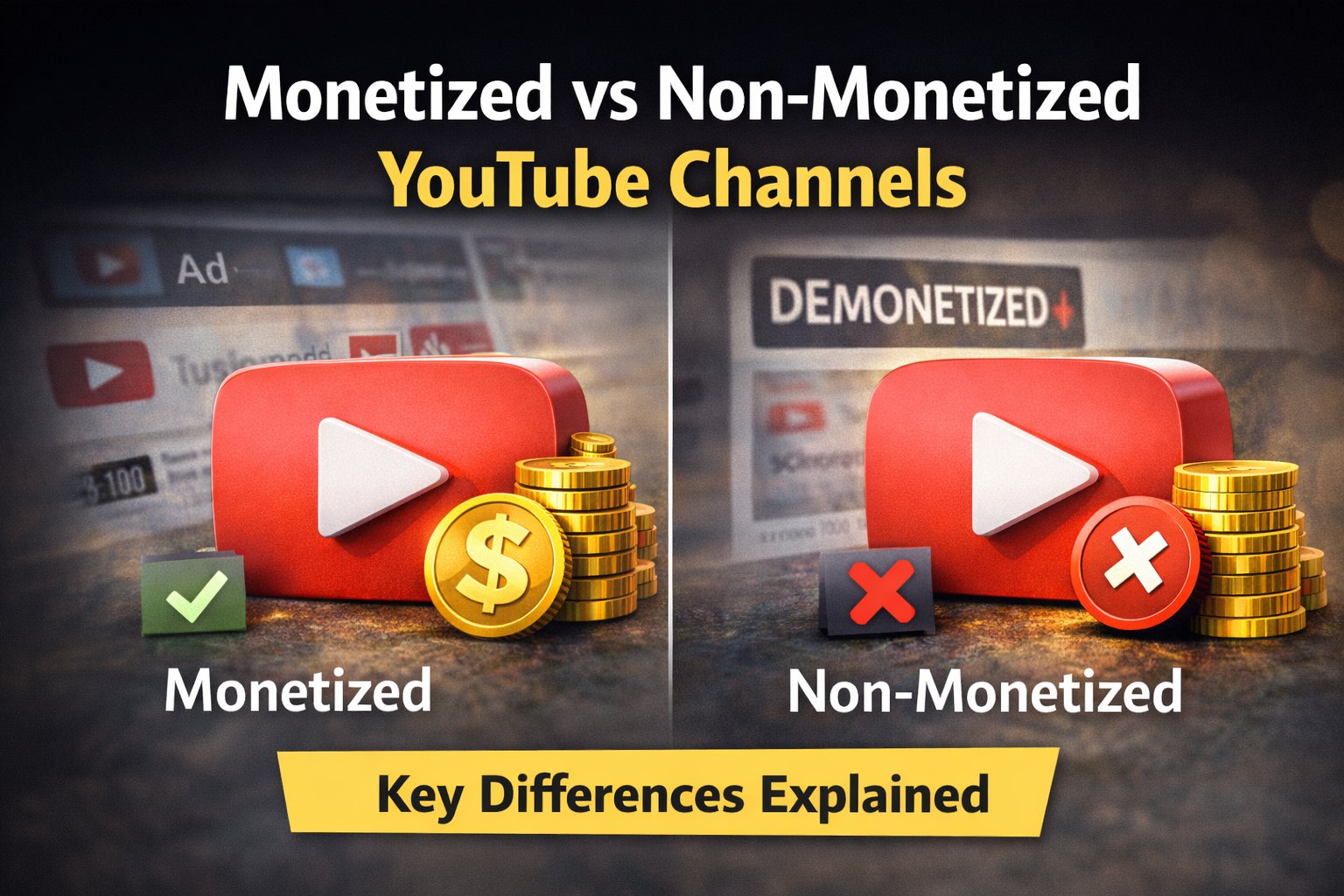
Monetized vs Non-Monetized YouTube Channels: What’s the Difference?
If you spend time on YouTube, you’ve probably wondered whether a channel is monetized or non-monetized. While both types of channels may look similar on the surface, there are important differences in how they earn money, display ads, and operate under YouTube’s policies.
In this article, we’ll clearly explain the key differences between monetized and non-monetized YouTube channels and how you can check a channel’s monetization status accurately.
What Is a Monetized YouTube Channel?
A monetized YouTube channel is one that has been accepted into the YouTube Partner Program (YPP). This allows creators to earn money through:
- Display ads
- Skippable and non-skippable video ads
- YouTube Premium revenue
- Other monetization features
To qualify for monetization, a channel must:
- Follow YouTube’s monetization policies
- Have at least 1,000 subscribers
- Meet watch-time or Shorts view requirements
Once approved, the creator earns a share of the ad revenue.
What Is a Non-Monetized YouTube Channel?
A non-monetized channel is not part of the YouTube Partner Program. This may happen because:
- The channel does not meet eligibility requirements
- The creator has not applied
- Monetization was removed due to policy violations
Important point:
Even non-monetized channels can still show ads, but the creator does not earn from them.
Key Differences Between Monetized and Non-Monetized Channels
| Feature | Monetized Channel | Non-Monetized Channel |
|---|---|---|
| Earns ad revenue | ✅ Yes | ❌ No |
| Ads may appear | ✅ Yes | ✅ Yes |
| Revenue recipient | Creator + YouTube | YouTube only |
| Partner Program | ✅ Member | ❌ Not a member |
| Control over ads | Partial | None |
This table explains why ads alone are not a reliable indicator of monetization.
Why Ads Are a Poor Monetization Indicator
Many users assume:
“If ads are showing, the channel must be monetized.”
This is incorrect.
Ads can appear due to:
- YouTube’s policy changes
- Copyright claims
- Regional ad placement
That’s why relying on visible ads often leads to wrong conclusions.
How to Check Monetization Status Accurately
Instead of guessing, use a dedicated tool that checks real monetization signals.
How to use it:
- Copy the channel or video URL
- Paste it into the tool
- Instantly see monetization status
The tool analyzes ad-related indicators directly from YouTube data.
Final Thoughts
Understanding the difference between monetized and non-monetized YouTube channels helps creators, advertisers, and viewers avoid confusion. Ads alone don’t tell the full story — accurate tools do.